

Laptops, tablets, phones and mobile devices
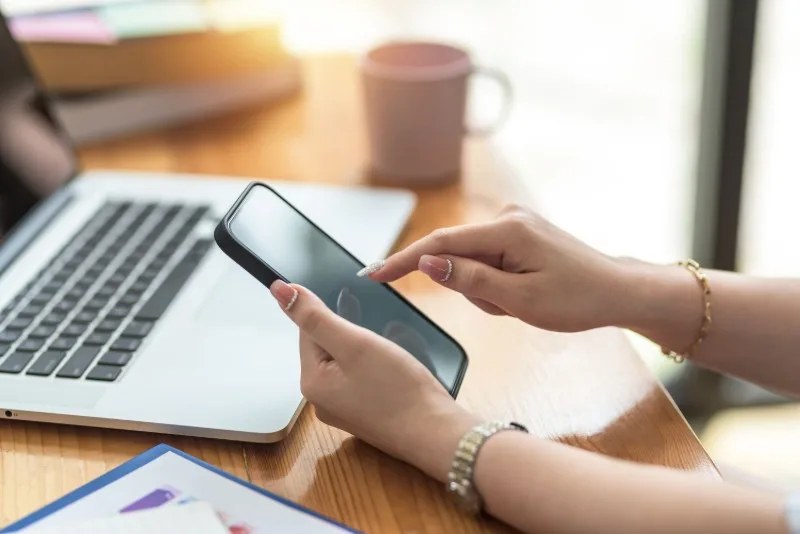
Mobile devices help care staff record information at the point of care. They also encourage awkward habits: looking down for long periods, holding a tablet in one hand while typing with the other, repeated thumb use, twisting while standing, or entering notes in corridors and cramped spaces.
Top Tips for Laptop use to reduce strain
Video: 2m 54s · Creator: Essential Vitality. YouTube Standard Licence.
Was this video a good fit for this page?
Safer mobile-device habits
- Bring the device up: avoid sustained looking down when reading or entering longer notes.
- Support the device: use a table, stand, trolley surface or both hands rather than gripping hard with one hand for long periods.
- Keep wrists neutral: avoid repeated thumb strain, bent wrists or gripping the device tightly.
- Use the right tool for longer work: a laptop or desktop setup may be better than a phone for long documentation or e-learning.
- Pause in a safe place: do not update records while walking, on stairs, near moving equipment or while supervising a resident who needs attention.
- Report device problems: cracked screens, poor battery life, unresponsive touchscreens or difficult logins can make awkward use worse.
Laptops need particular care. For prolonged work HSE posture guidance advises using a separate keyboard and mouse so the screen can be raised. A laptop used flat on a low table for a long e-learning session can quickly cause neck, shoulder and wrist discomfort.
Mobile technology should support care, not quietly create neck, shoulder, wrist or eye strain. Longer screen tasks need a better setup.
Ask Dr. Aiden
Rate this page
Sign up now for a free account
Course tools & details

