

Shared computers, hot-desks and eMAR stations
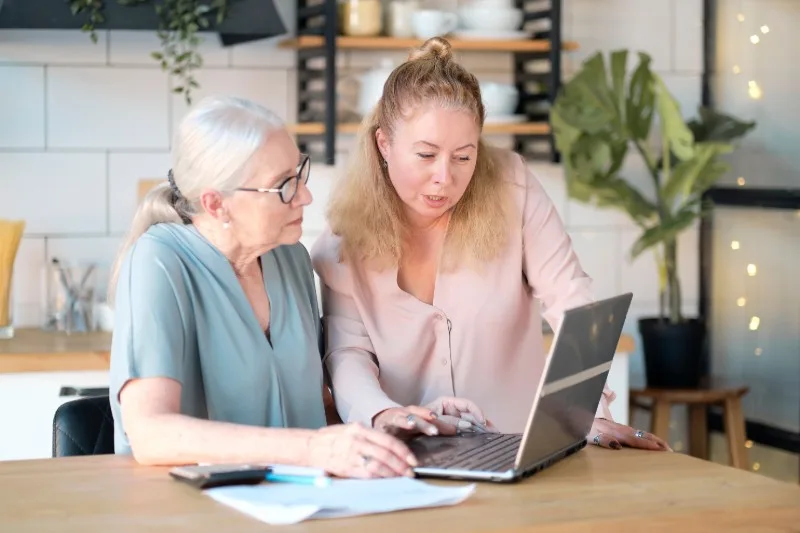
Care homes commonly use shared computers, wall-mounted screens, nursing-station terminals, eMAR trolleys, reception desks and laptops passed between staff. Shared equipment is practical but creates ergonomic risk when no one takes responsibility for setup, cleaning, adjustment or reporting faults.
Adjusting Your WorkStation - Office DSE Advice
Video: 2m 3s · Creator: Cloudtrainer Ltd. YouTube Standard Licence.
Was this video a good fit for this page?
Common shared-workstation problems
- Wrong height: a workstation may suit one person but force another to lean, stretch or hunch.
- Poor screen position: screens can be too high, too low, angled away, affected by glare or positioned side-on.
- Cramped eMAR use: trolleys or medicines stations may require repeated looking down, reaching, scanning and typing in a small space.
- Hot-desking habits: people may inherit another person's chair height, mouse position, clutter or screen angle without adjusting it.
- Poor infection-control fit: cleaning routines may remove wrist rests, labels or accessories without replacing them or leave devices awkward to use.
- Faults become normal: sticky keys, poor mouse tracking, flickering screens or unstable chairs may be tolerated because everyone assumes someone else has reported them.
Before using a shared workstation for more than a brief task, check and adjust what you can. Move the chair, screen, keyboard, mouse, paperwork and tablet stand where possible. If you cannot make the setup comfortable, record or report the issue rather than continuing to work around it.
A shared workstation should not mean shared discomfort. If several people use it, several people need to be able to set it up safely.
Ask Dr. Aiden
Rate this page
Sign up now for a free account
Course tools & details

