

Welcome
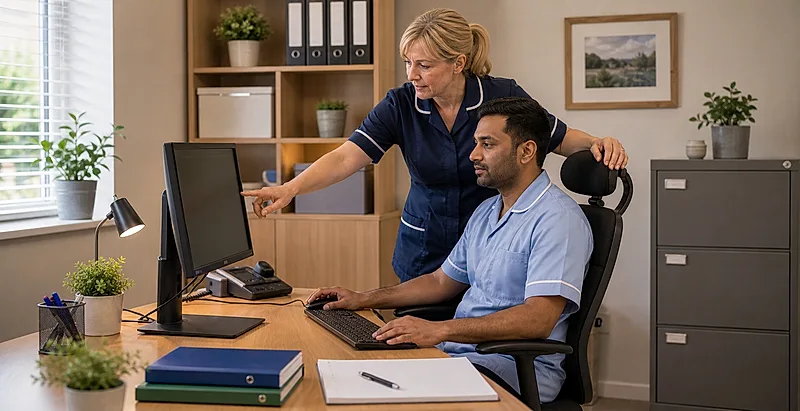
Display screen equipment and ergonomics are important in residential care homes, nursing homes, supported living and other adult social care settings. Staff use shared computers, care-planning systems, eMAR screens, tablets, smartphones, laptops, training modules, reception terminals and office workstations. Poor setup, posture, lighting or work routines can add strain during these tasks.
This course is for care assistants, senior carers, support workers, activity staff, housekeeping staff who use digital systems, medicines staff, night staff, reception staff, team leaders, supervisors and other frontline care staff. It gives practical steps to reduce discomfort, eye strain, fatigue and upper limb risk without treating every care role as a desk job.
This is a UK-wide course. For England, Wales and Scotland it follows HSE guidance on display screen equipment, musculoskeletal disorders and upper limb disorders. For Northern Ireland it signposts equivalent HSENI guidance and separate Northern Ireland DSE legislation. Staff should also follow employer policy and any local health and safety arrangements where they work.
Why This Course Matters
- DSE is now part of care work: digital care notes, medicines systems, audits, messages and e-learning all involve screens.
- Care settings use shared equipment: staff may use terminals set up by someone else, at awkward heights, or in busy or cramped areas.
- Small discomfort can build: neck pain, shoulder ache, wrist symptoms, headaches, tired eyes and fatigue often develop gradually.
- Mobile devices bring their own risks: tablets and phones encourage looking down, thumb repetition and poor posture during hurried tasks.
- Early reporting helps: discomfort is easier to address before it becomes persistent or affects work.
How This Course Will Help You
By the end of the course you should be able to recognise DSE and ergonomic risks in everyday care work, adjust shared workstations where possible, use screens and mobile devices more comfortably, plan breaks and changes of activity, spot early warning signs, and report issues clearly.
A Simple Ergonomic Spine
- Fit the work to the person: adjust the screen, chair, keyboard, mouse, tablet or task where possible.
- Avoid fixed posture: even a reasonable posture becomes uncomfortable if held too long.
- Keep close work comfortable: reduce glare, awkward reach, repeated twisting and sustained looking down.
- Change activity: short, regular movement and varied tasks usually help more than pushing through symptoms.
- Report early: describe what hurts, when it happens, which task triggers it and what has already been tried.
Rate this page
Sign up now for a free account
Course tools & details

