

Laptops, tablets, phones and short bursts of admin
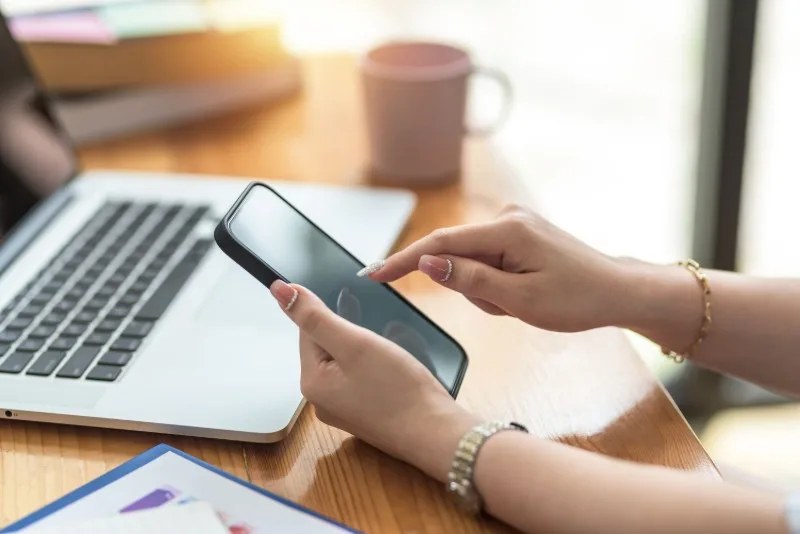
Portable devices are practical, but they often encourage poor posture. People tend to look down, hold the device close, type with bent wrists or remain in one position longer than they realise. This commonly happens when staff try to finish notes quickly at the end of a busy shift.
Brief admin tasks can still cause problems when repeated. A tablet used after every incident, or a laptop used for training on a kitchen table, can produce as much discomfort as a single long session.
For sustained laptop work you may need to raise the screen and use a separate keyboard and mouse. For short tablet or phone tasks focus on varying posture, supporting the device and avoiding a hunched position for every entry.
Top Tips for Laptop use to reduce strain
The Bottom Line: Is Your Smart Phone a Pain in Your Neck?
Safer device habits
- Look up regularly: avoid staying bent over the screen.
- Support the device: do not grip it tightly for extended periods.
- Change position: stand, sit or move before stiffness develops.
- Break up typing: avoid compressing all notes into one strained block.
- Use a better setup for longer work: for training, reports or other extended tasks.
Portable devices are convenient, but convenience can hide awkward posture and repetition.
Ask Dr. Aiden
Rate this page
Sign up now for a free account
Course tools & details

