

Welcome
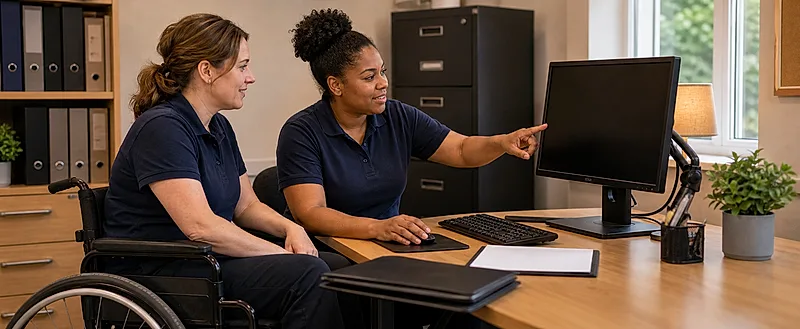
Staff in children's homes often do screen tasks in short bursts: handover notes, incident forms, training, emails, care-plan admin, orders, rota checks or using tablets while on shift. Because these tasks feel routine, early signs of strain are sometimes missed until headaches, neck pain or wrist discomfort interfere with work.
This course is for residential child care workers, senior residential workers, waking night staff, team leaders, deputy managers, registered managers and other staff in children's homes and similar settings. It provides basic awareness about display screen equipment (DSE) and ergonomics and does not replace local workstation assessment or your employer's adjustment processes.
The guidance here is written for children's homes staff across the UK. The core DSE and ergonomic approach follows Great Britain HSE guidance, with signposting to HSENI material for Northern Ireland. England-specific examples appear only where they help. Staff must follow local policy and assessment arrangements.
Why This Course Matters
- Short bursts still add up: repeated quick tasks over a shift can cause strain.
- Shared workstations can hide risk: one setup may not suit the next user.
- Mobile devices change posture: looking down at phones and tablets affects neck and upper limbs.
- Small symptoms matter: tired eyes, headaches and wrist ache are signs to act on.
- Simple changes help: adjusting position, improving posture, taking breaks and reporting issues reduce risk.
A Simple DSE Spine
- Set up: adjust the chair, screen and keyboard before you start work.
- Look up: avoid long periods bent over a device.
- Change activity: include short breaks and movement during shifts.
- Notice symptoms: do not accept discomfort as normal.
- Report early: simple adjustments are most effective when raised promptly.
Rate this page
Sign up now for a free account
Course tools & details

