
Display Screen Equipment and Ergonomics for Optical Staff

Reducing screen-related strain, poor posture, eye fatigue and upper limb risk in optical practice

  • Reputation

    No token earned yet.

    Reach 50 points to earn the Peridot (Trainee Level).

  • CPD Certificates

    Certificates

    You have CPD Certificates for 0 courses.

  • Exam Cup

    No cup earned yet.

    Average at least 80% in exams to earn the Bronze Cup.

Launch offer: Certificates are currently free when you create a free account and log in. Log in for free access

Shared computers, hot desks and optical workstations
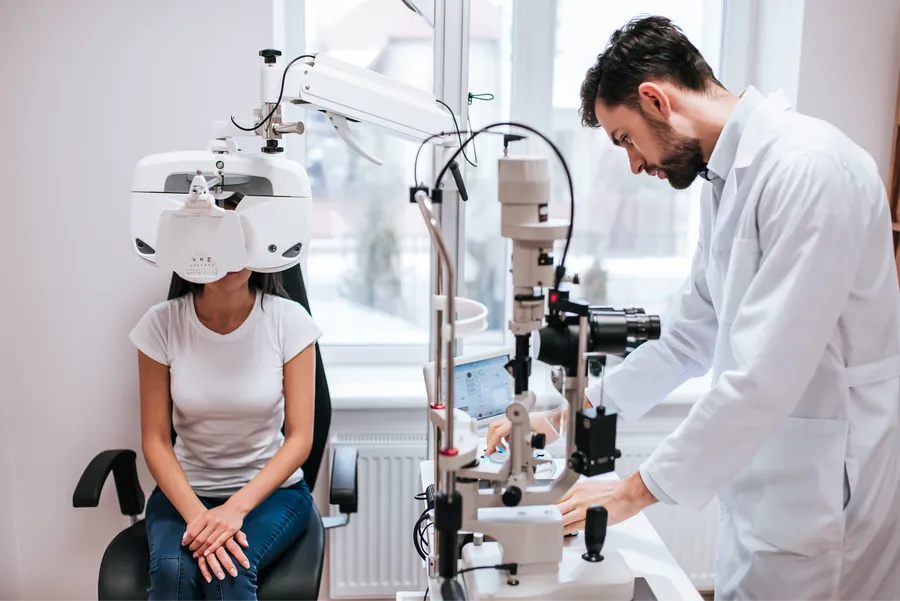
Patient undergoing eye exam with diagnostic equipment

Optical practices commonly use shared workstations: reception terminals, consulting-room computers, pre-screening stations, dispensing desks, lab or edging terminals, OCT and fundus-review screens, and manager desks used by several staff. Shared equipment needs simple adjustment routines so each user can work comfortably and safely.

Adjusting Your WorkStation - Office DSE Advice

Video: 2m 3s · Creator: Cloudtrainer Ltd. YouTube Standard Licence.

This DSE video shows how to set up a workstation to reduce strain during computer tasks. It explains how display screen use and poor posture can cause pain in the hands, wrists, arms, neck, shoulders or back during long or uninterrupted periods at a computer.

The demonstration covers chair and screen position, recommending forearms roughly horizontal and eyes level with the top of the screen. It advises arranging keyboard, mouse, screen and documents around the task, keeping enough work space and avoiding glare or bright reflections.

The video also covers lower-body comfort: leave space under the desk, avoid pressure from the seat edge on the backs of the legs, and use a footrest if needed.

Was this video a good fit for this page?

Shared workstation habits

  • Adjust the chair before you begin, not after discomfort starts.
  • Move the screen, keyboard, mouse or documents where the workstation allows it.
  • Check that cables are safe and do not create trip or snag hazards.
  • Keep space under the desk clear for legs and feet.
  • Use cleanable accessories where infection-control procedures require them.
  • Report broken chairs, flickering screens, damaged mice, cramped desks or layouts that force twisting.

Scenario

A dispensing desk is comfortable for the tallest team member, but shorter staff need to raise their shoulders to type and lean forward to read the screen. Everyone uses the desk because it is the only place with the lens-ordering system.

What is the ergonomic problem?


Hot desks and shared optical terminals need quick adjustment habits and a clear way to report setups that do not fit.

Ask Dr. Aiden


Rate this page


Course tools & details Study tools, course details, quality and recommendations
Funding & COI Media Credits
